


PDFedit
A simple PDF editor.
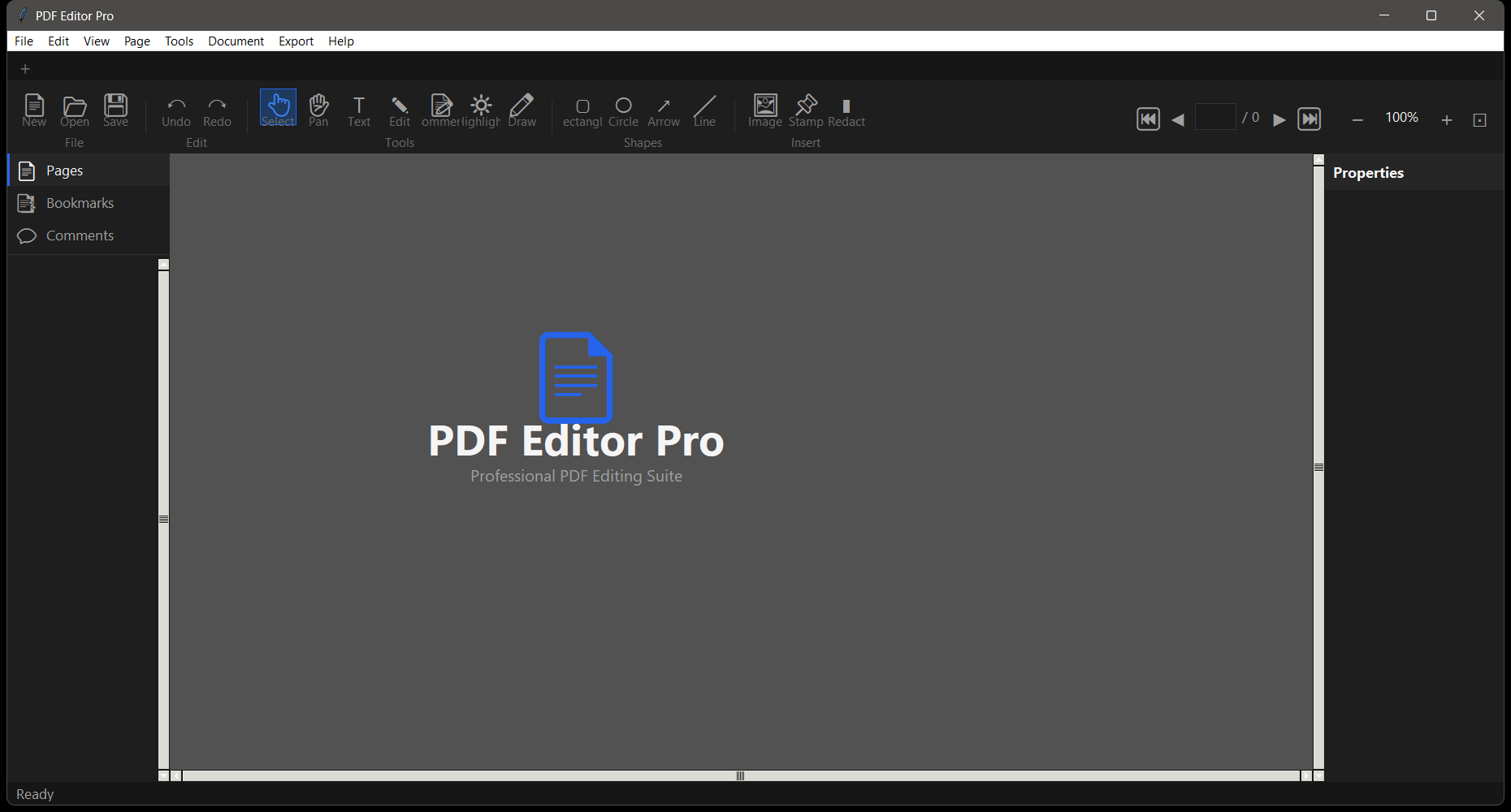




A focused PDF editor built with Python and PyQt6. View, rearrange, merge, split, and annotate PDF files with a clean dark-themed desktop interface. No subscription, no cloud upload — runs entirely local.
Quick Start
python PDFedit.pyDependencies auto-install on first run. No manual pip install needed.
Features
- PDF Viewer — Browse pages with smooth zoom (25%–400%), fit-to-width, and keyboard navigation
- Page Management — Drag to reorder pages, rotate pages 90°/180°, delete individual pages
- Merge — Combine two or more PDFs into a single document; drag to set page order
- Split — Extract a page range or specific pages into a new PDF file
- Annotations — Add freehand text overlays, highlight regions, and sticky notes
- Export — Save any modified document as a new PDF with full fidelity
- Dark Theme — Professional dark-themed interface throughout
Usage
Opening a PDF
Drag and drop a PDF onto the window, or use File → Open.
Merging PDFs
- File → Merge to open the merge dialog
- Add multiple PDF files — drag to reorder
- Click Merge to produce a combined PDF
Splitting a PDF
- File → Split
- Enter a page range (e.g.
1-5or3,7,12) - Choose output file location and click Split
Reordering Pages
In the page panel on the left, drag page thumbnails to the desired order, then File → Save As to write the reordered PDF.
Requirements
- Python 3.8+
- Windows / macOS / Linux
License
MIT License