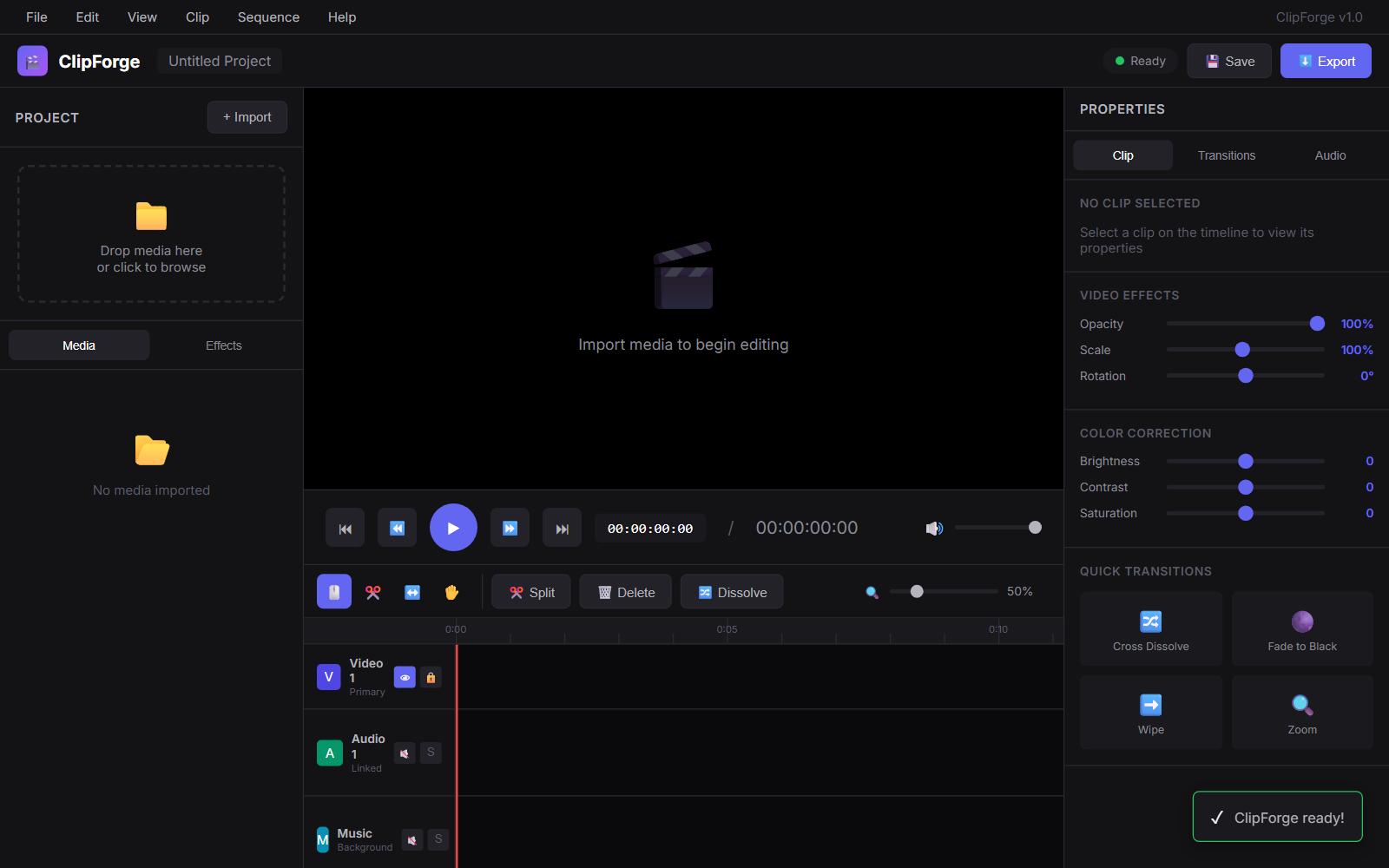
ClipForge Desktop v0.4.0
All-in-one video editor — Trim, Crop, Upscale, Interpolate, Convert, Filter, Audio, Streams, Batch — one tool, zero hassle.




Features
Trim
- Dual-handle range slider for precise in/out point selection
- Set in/out points from video player position
- Lossless mode (stream copy, no re-encode) for instant trims
- Output format selection
Crop / Rotate / Flip
- Interactive visual crop overlay on video frame
- Aspect ratio presets: 16:9, 9:16, 4:3, 1:1, 21:9
- Manual X/Y/W/H input with live preview
- Rotate: 90 CW, 90 CCW, 180
- Horizontal and vertical flip
Upscale (AI)
- Real-ESRGAN integration for AI-powered super resolution
- Scale options: 2x, 3x, 4x
- Models: realesrgan-x4plus, anime-specific, animevideo
- Frame extraction -> AI upscale -> reassembly pipeline
- Preserves original audio
Frame Interpolation (AI)
- RIFE (rife-ncnn-vulkan) integration for frame rate boosting
- Multiplier options: 2x, 4x, 8x
- Converts 30fps to 60/120/240fps for smooth slow-motion
- Frame extraction -> interpolation -> reassembly pipeline
Convert
- Containers: MP4, MKV, WebM, MOV, AVI, GIF
- Video codecs: H.264, H.265, VP9, AV1, stream copy
- Audio codecs: AAC, Opus, MP3, FLAC, stream copy, remove
- Resolution presets: 4K, 2K, 1080p, 720p, 480p, 360p
- FPS control, CRF quality slider with descriptive hints, encoding preset
- Speed adjustment (0.1x - 10x) with proper atempo chaining
- Optimized single-pass GIF generation with palette
- Two-pass encoding toggle for higher quality output
- Hardware encoder auto-detection (NVENC, QSV, AMF)
- Built-in presets: YouTube 1080p/4K, Instagram Reel, TikTok, Discord 8MB/50MB, Twitter/X, Archive Lossless, Web Optimized
- Custom preset save/load/delete
- Live FFmpeg command preview
- Estimated output file size
Filters (NEW)
- Color correction: brightness, contrast, saturation, hue, gamma
- Video stabilization (vidstab two-pass)
- Noise reduction (hqdn3d)
- Sharpening (unsharp)
- Deinterlacing (yadif)
- Subtitle burn-in (.srt, .ass)
- LUT import (.cube files)
- Audio normalization (EBU R128 loudnorm)
Audio
- Extract audio to MP3, AAC, WAV, FLAC, OGG, or original codec
- Replace audio track with external audio file
- Mix replacement audio with original
- Remove all audio tracks (strip audio)
Streams (NEW)
- Full media info display (format, codecs, bitrate, resolution, duration)
- Stream list with checkboxes for selective remux
- Container remux without re-encoding
- Frame snapshot export (PNG/JPG)
Batch Processing
- Add multiple files via browser or drag & drop
- Add entire folders of video files
- Operations: convert (MP4/MKV/WebM), downscale (1080p/720p), extract audio, remove audio, trim
- Custom output directory option
- Output filename template system with variables
- Per-file progress tracking with status indicators
- Queue processing with cancel support
- Post-completion actions (do nothing, open folder, shutdown)
Video Player
- Built-in video playback with play/pause, seek, volume
- Frame-accurate stepping (forward/backward)
- Playback speed control (0.25x - 2x)
- A-B loop for segment preview
- Thumbnail filmstrip strip with click-to-seek
- Timecode display (current / total)
General
- Catppuccin Mocha dark theme with premium UI polish
- Toast notifications with slide-in/slide-out animations
- Drag & drop file loading (single file or batch)
- Recent files list in sidebar with double-click to reload
- Embedded console with full FFmpeg output
- Enhanced progress tracking with ETA, speed, and file size
- Settings persistence (window geometry, last directory, preferences)
- Hardware encoder status display in sidebar
- All panels wrapped in scroll areas for small screens
- Status bar with current state
- Dependency detection with guidance for missing tools
Requirements
- Python 3.10+
- FFmpeg (required for all operations)
winget install ffmpeg - Real-ESRGAN (optional, for AI upscaling)
- Download realesrgan-ncnn-vulkan
- Place in ClipForge directory or add to PATH
- RIFE (optional, for frame interpolation)
- Download rife-ncnn-vulkan
- Place in ClipForge directory or add to PATH
Install & Run
cd ~/repos/ClipForge
python clipforge.py
PyQt6 auto-installs on first launch. All other dependencies are bundled or auto-bootstrapped.
Usage
- Open a video via button, drag & drop, or recent files
- Preview using the built-in video player with frame stepping and speed control
- Select a tool from the sidebar (8 panels available)
- Configure options in the tool panel
- Preview the command (Convert panel shows live FFmpeg command)
- Export with the action button
- Monitor progress via enhanced progress bar with ETA and speed
For batch processing, drag multiple files onto the window or use the Batch panel's Add Files/Add Folder buttons.
Presets
ClipForge includes built-in presets optimized for popular platforms. You can also create, save, and manage custom presets from the Convert panel.
| Preset | Resolution | Codec | Bitrate Target |
|---|---|---|---|
| YouTube 1080p | 1920x1080 | H.264 | CRF 20 |
| YouTube 4K | 3840x2160 | H.264 | CRF 18 |
| Instagram Reel | 1080x1920 | H.264 | CRF 20 |
| TikTok | 1080x1920 | H.264 | CRF 22 |
| Discord 8MB | 1280x720 | H.264 | ~1000 kbps |
| Discord 50MB | 1920x1080 | H.264 | CRF 22 |
| Twitter/X | 1280x720 | H.264 | CRF 23 |
| Archive Lossless | Original | FFV1 | Lossless |
| Web Optimized | 1280x720 | H.264 | CRF 26 |
| GIF | 480px wide | GIF | Palette-optimized |
Changelog
v0.4.0
- Added Filters panel (color correction, stabilization, denoise, sharpen, deinterlace, subtitles, LUT, audio normalization)
- Added Streams panel (media info, selective stream remux, frame snapshot)
- Added hardware encoder auto-detection (NVENC, QSV, AMF)
- Added built-in + custom preset system with save/load/delete
- Added FFmpeg command preview with live updating
- Added estimated output file size display
- Added two-pass encoding toggle
- Added CRF quality hints (transparent, visually lossless, high, medium, low)
- Enhanced video player: frame stepping, playback speed, A-B loop, thumbnail filmstrip
- Enhanced progress tracking with ETA, speed, and output file size
- Enhanced toast notifications with slide animations
- Added settings persistence (window geometry, preferences, last directory)
- Added folder scanning to batch panel
- Added output filename template system
- Added post-completion actions to batch panel
- All panels wrapped in QScrollArea for small screen support
- Single-pass GIF pipeline with palette optimization
- Proper atempo filter chaining for extreme speed values
v0.3.0
- Initial release with Trim, Crop/Rotate, Upscale, Interpolation, Convert, Audio, Batch, and Player panels
License
MIT